
WiFi
How to connect to eduroam
We recommend using the app geteduroam, which automatically installs the correct settings and security certificates for the University of Borås.
To connect to eduroam, download and install the geteduroam app on your computer, mobile phone, or tablet from the official website or from your device's app store:
- iPhone and iPad: App Store
- Android: Google Play
- Windows, macOS and Linux: geteduroam
- Start the app and search for the University of Borås in the list of organisations.
- Sign in using your student-ID and password.
- Accept and install the network profile created by the app.
- When the installation is complete, the device will automatically connect to eduroam.
- The validity period is one year, after which you need to sign in again.
The application should remain installed on the device as it may be needed for future reinstallation or reconfiguration of the connection.
Alternative connection method – via the Selfservice Portal
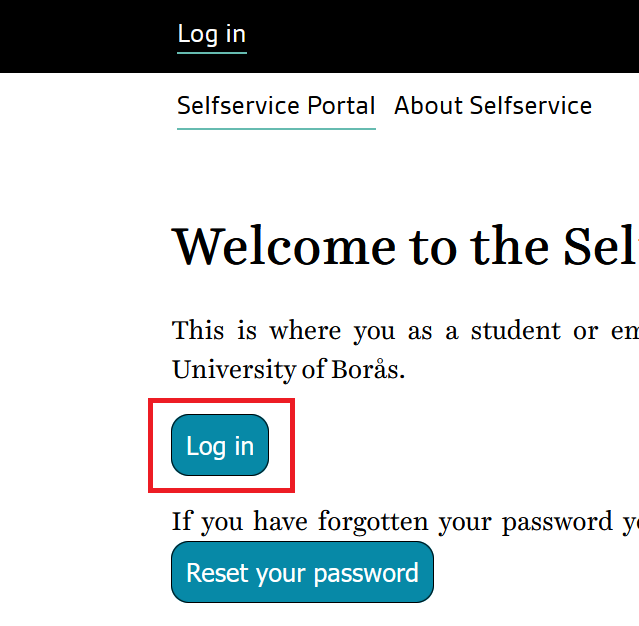
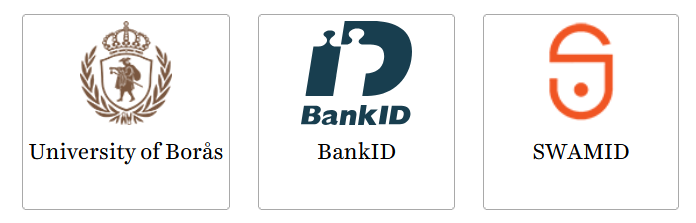
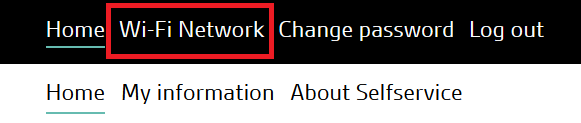
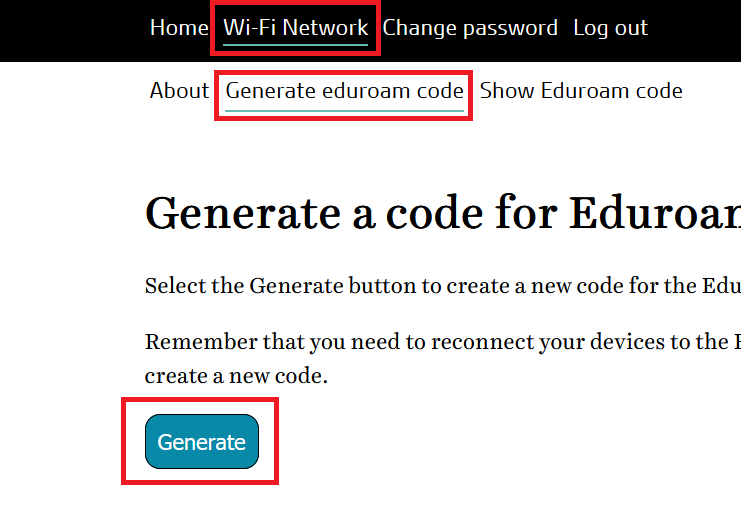
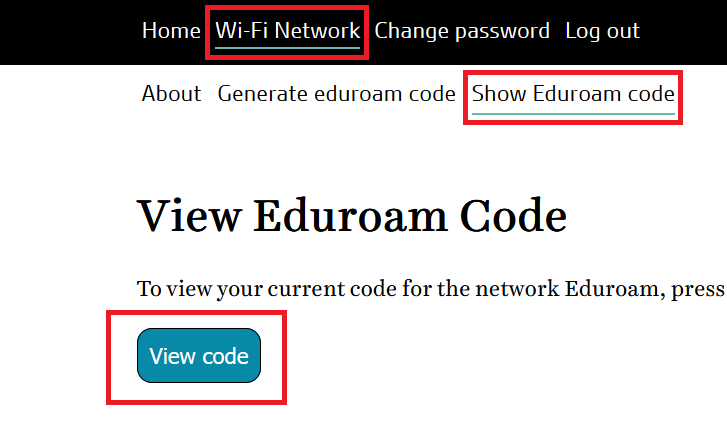
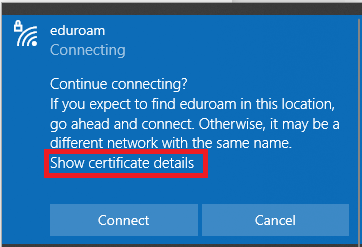
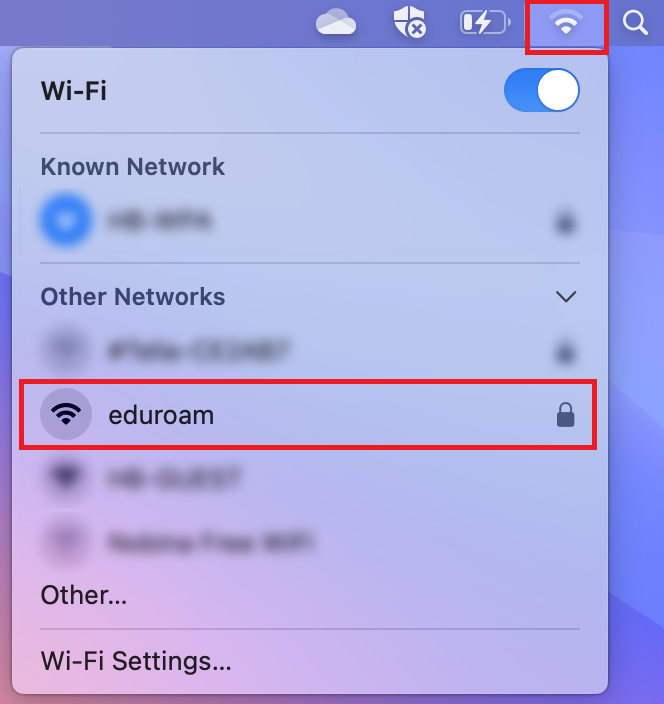
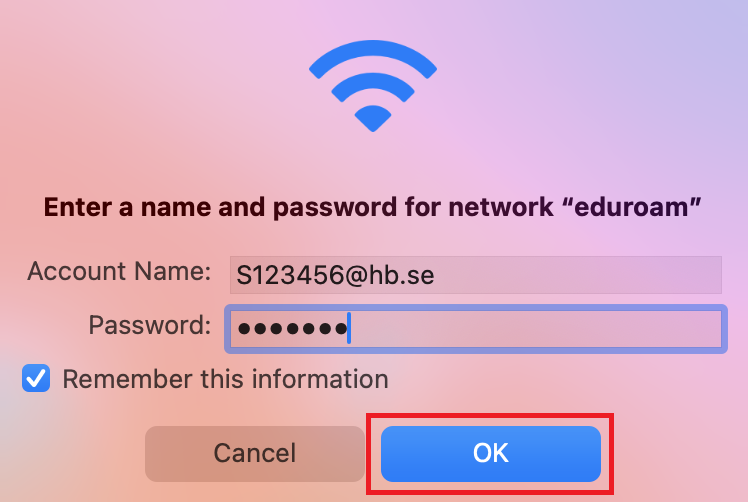
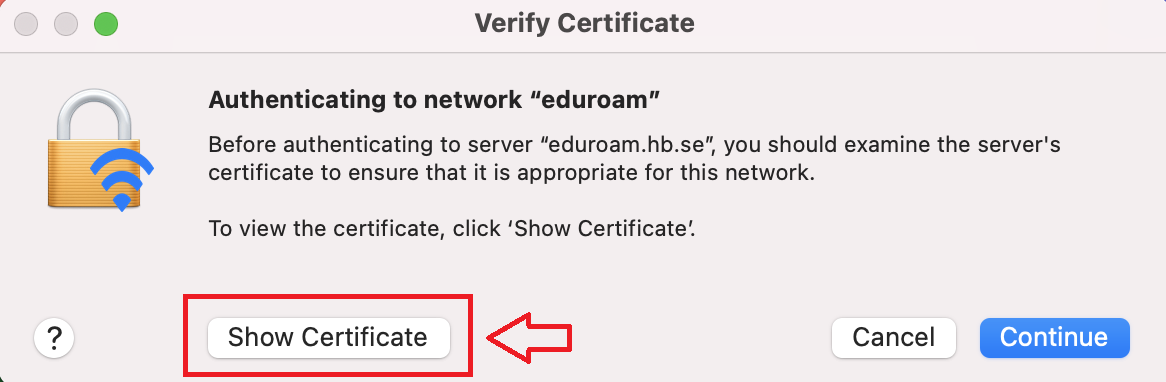
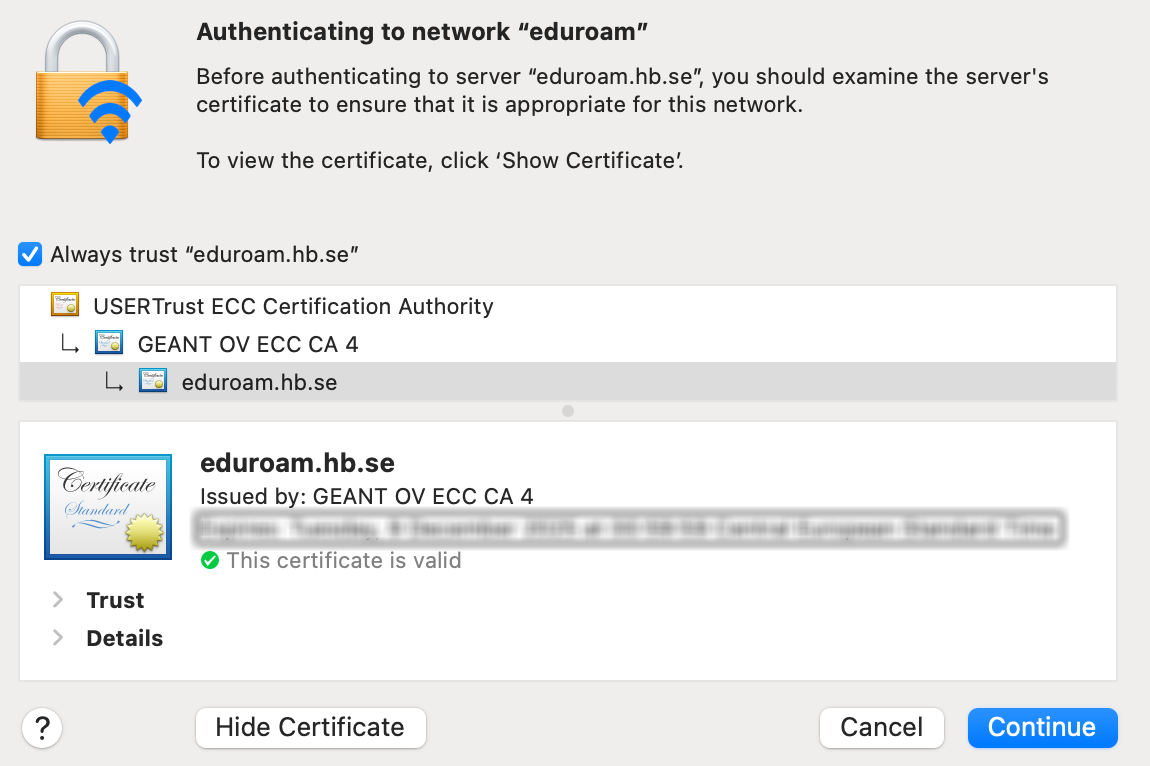
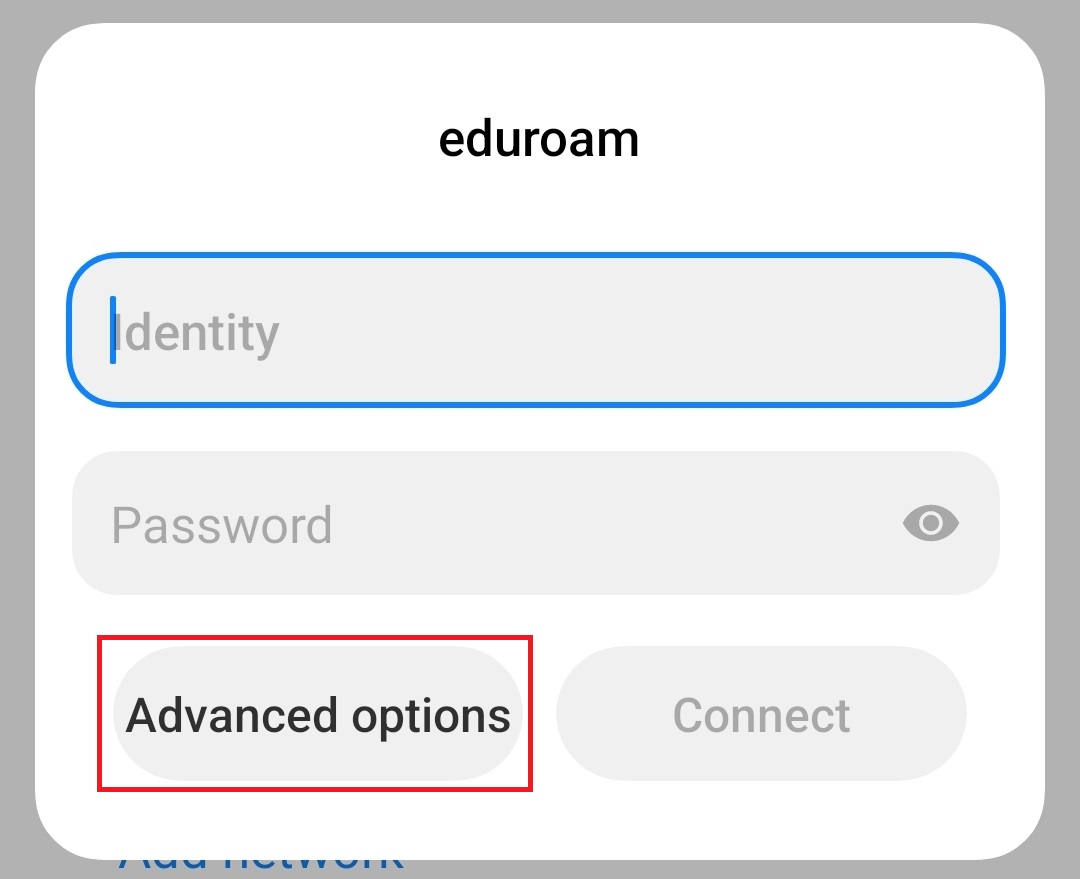
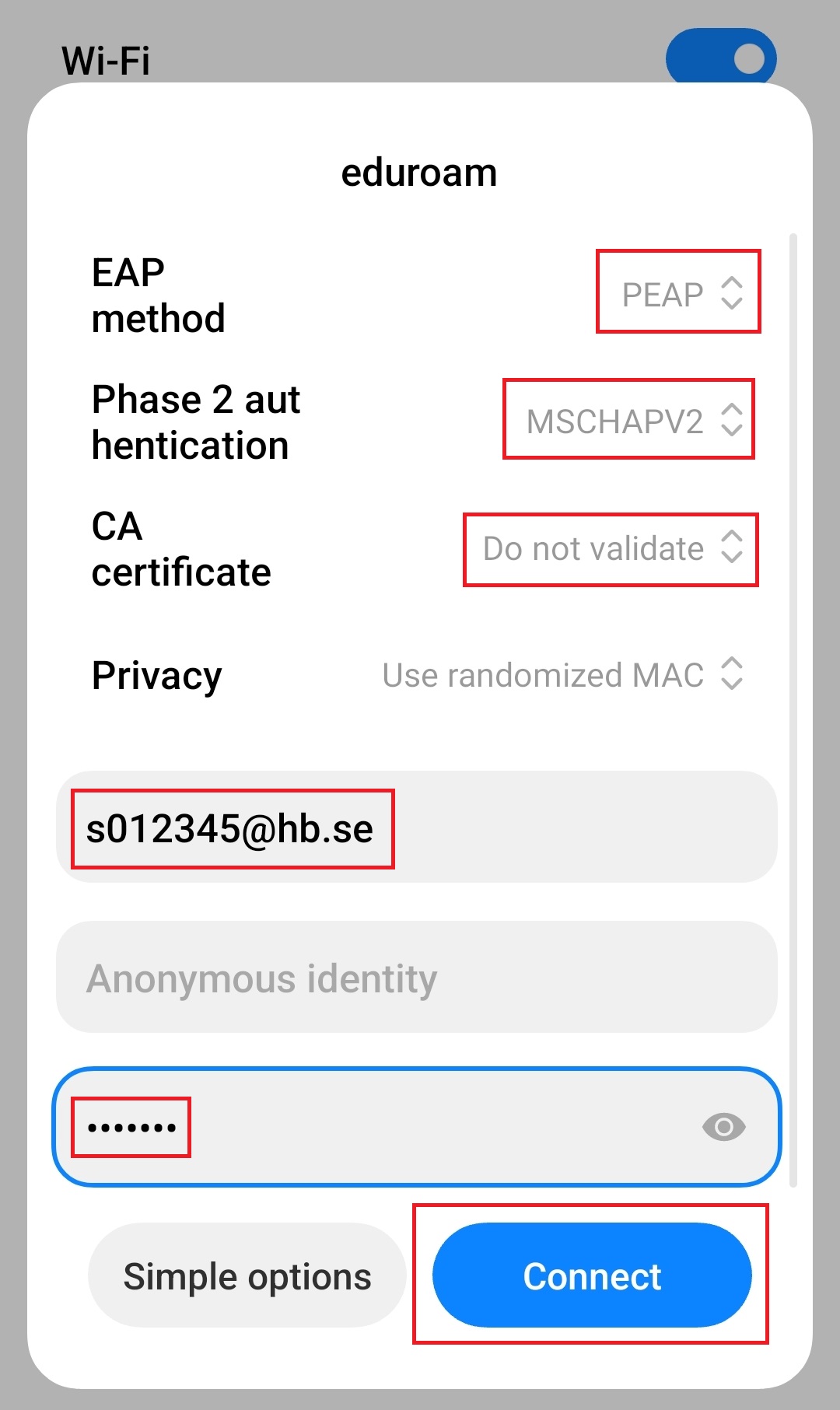
It is also possible to configure the connection to eduroam via the university's self-service portal. This method can be used if you are unable to install or use the geteduroam application. Visit selfservice.hb.se, sign in with your student-ID, and follow the instructions below to install eduroam on your device.