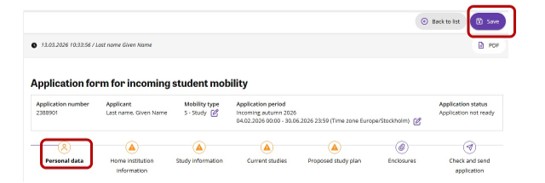
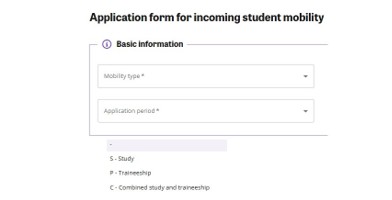
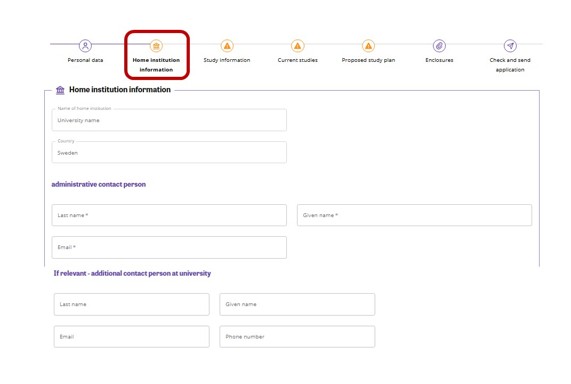
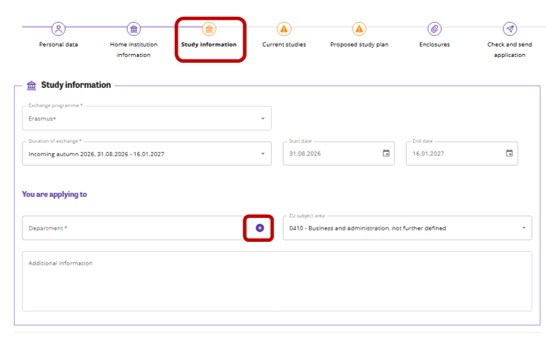
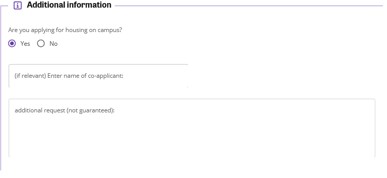
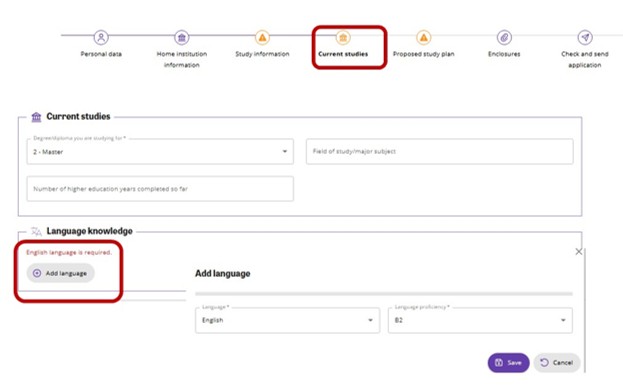
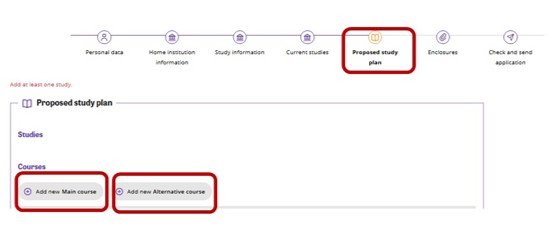
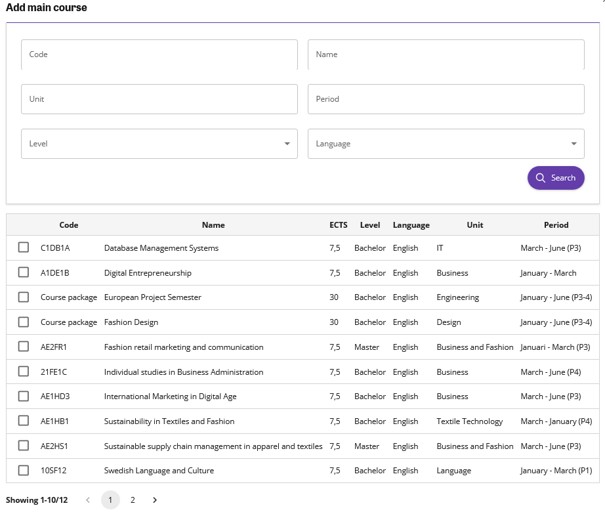
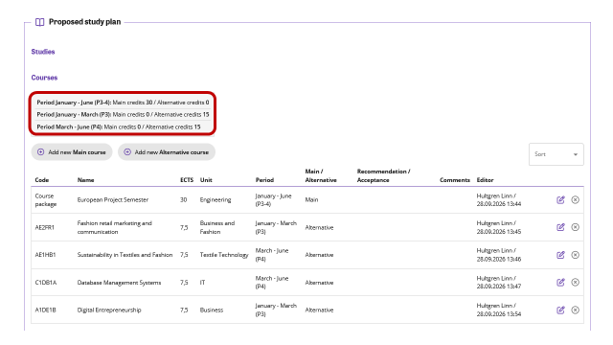
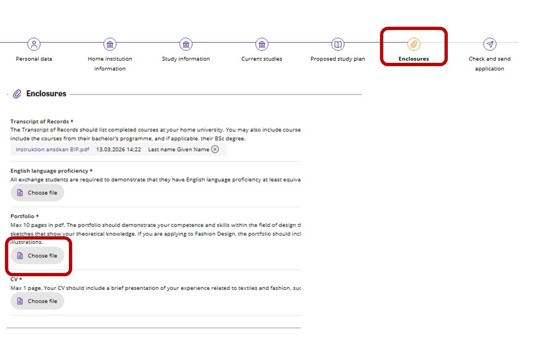
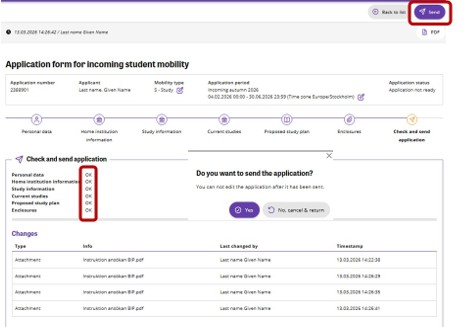
The application form is divided into tabs. You can navigate the form by selecting icons at the top or using the next and previous buttons at the bottom of the page.
Note that you should always save changes before you leave the tab.
Compulsory fields are marked with an asterisk*. After you have saved the information, the system informs you if any compulsory data is missing. You can only submit your application if all compulsory information is set. The tab’s icon is a notification icon if compulsory data is missing, or your attention is needed.
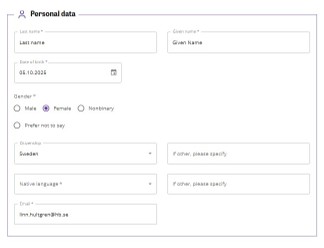
In the 'Personal data' tab, you will see that some data has already been filled in by your home university during nomination.
- Check that the pre-populated information is correct. Update if necessary.
- Enter your remaining details. All telephone numbers must be in the international format, without spaces, e.g. +44701234567.
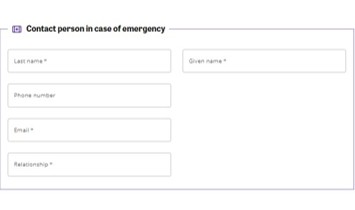
- Enter contact information for an emergency contact person. This person should be someone that you have a personal relationship with, for example a parent, partner or sibling.
Note that all compulsory fields must be filled in before you can proceed with your application. If you leave a compulsory field blank, you will see a red box indicating that this field is required. The tab’s icon is a notification icon if compulsory data is missing, or your attention is needed.